Installation
Platforms, the binary, flags, and the on-disk layout.
Updated
Railbase ships as a single statically-linked executable. There is no installer, no runtime to provision, and no database server to stand up.
Get the binary
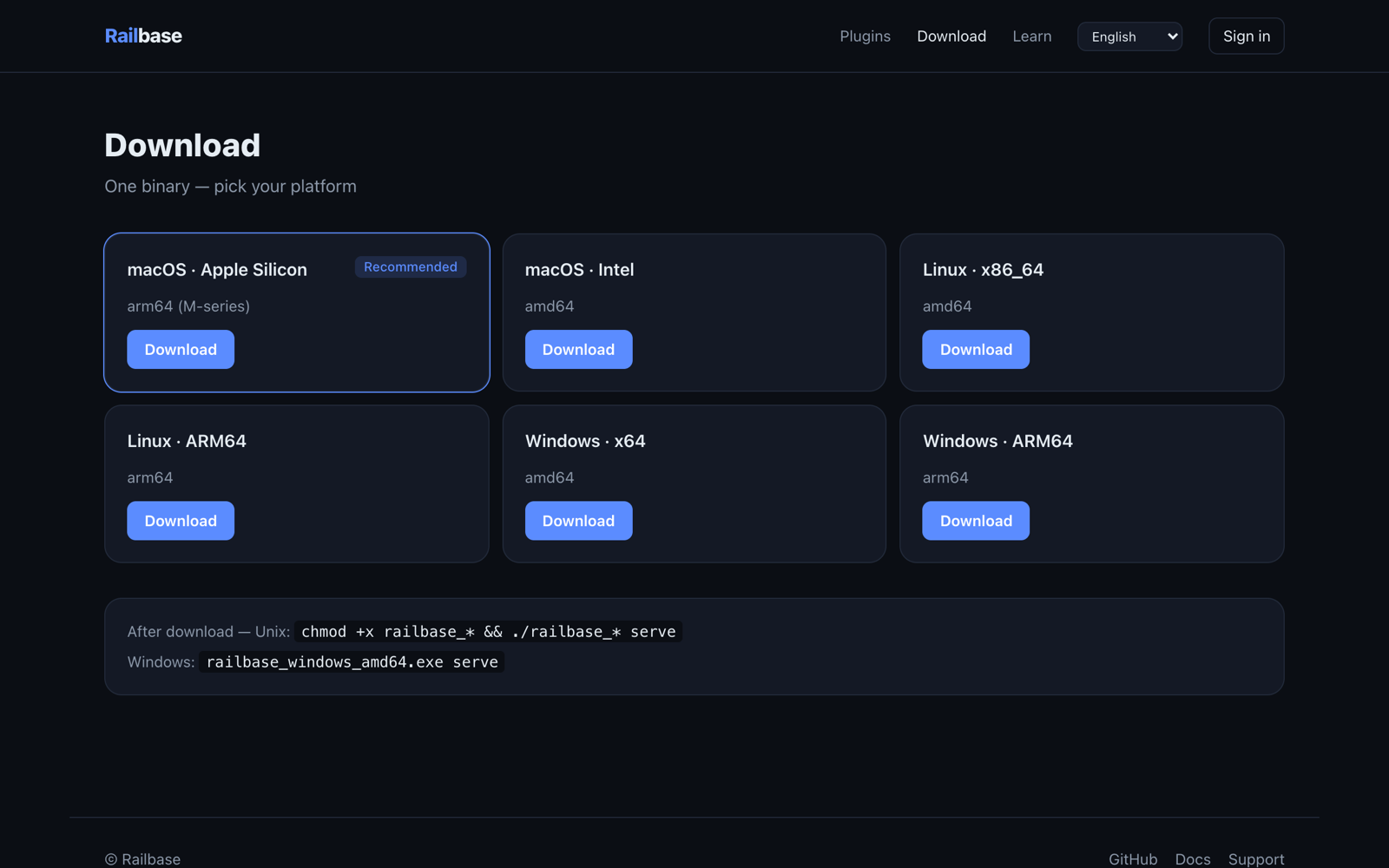
Download the build for your OS/architecture from the download page. Builds are produced for the common Linux, macOS, and Windows targets.
# macOS / Linux
chmod +x ./railbase
./railbase version      # prints version, build info, installed plugins
On Windows, run railbase.exe serve from a terminal.
Running the server
./railbase serve [flags]
The flags you'll use most (each also has an environment-variable equivalent; precedence is flag > env > default):
| Flag | Env | Default | Purpose |
|---|---|---|---|
--addr |
RAILBASE_HTTP_ADDR |
:8095 |
HTTP listen address |
--data-dir |
RAILBASE_DATA_DIR |
./pb_data |
Data directory |
--vault-path |
RAILBASE_VAULT_PATH |
<data-dir>/railbase.vault |
Data file location |
--vault-password |
RAILBASE_VAULT_PASSWORD |
— | Unlock password (required in production) |
--log-level |
RAILBASE_LOG_LEVEL |
info |
debug · info · warn · error |
See the full list in Environment variables and the CLI reference.
On-disk layout
A fresh serve creates a pb_data/ directory:
pb_data/
├── railbase.vault     # your data — a single encrypted, MVCC document store
├── railbase.vault.lock# single-process lock (see the CLI note below)
├── .secret            # auto-generated master key (back this up; guard it)
├── .audit_seal_key    # signing keys for the tamper-evident audit chain
├── .authority_seal_key
├── storage/           # uploaded files (File()/Files() fields)
├── logs/              # structured application logs
└── backups/           # local snapshots written by `railbase backup`
The lock file enforces one process per vault: CLI commands that open the data file can't run while the server is up — see the CLI reference.
There is no external database. Data lives in the vault file; read Data & multi-tenancy for the details.
Caution
The .secret file is the master key for your data. If you lose it you lose
access to the vault. Include it in your backups and keep it out of version
control.
Development vs. production
Development — opt into the development key so you can iterate without managing secrets. The vault refuses to unlock with no password configured, so enable the dev fallback explicitly with
RAILBASE_DEV=true(orruntime.dev: trueinrailbase.yaml):RAILBASE_DEV=true ./railbase serveWithout it,
serve/migrateexit with "no vault password configured (set RAILBASE_VAULT_PASSWORD, RAILBASE_VAULT_PASSWORD_FILE, or RAILBASE_DEV=true)".Production — set a real vault password and turn on production mode:
export RAILBASE_PROD=true
export RAILBASE_VAULT_PASSWORD_FILE=/run/secrets/railbase-vault
./railbase serve --addr :8095 --data-dir /var/lib/railbase
In production an empty vault password is a hard error — Railbase refuses to start with the dev key. Full guidance is in Deployment and Security.
Upgrading the binary
To upgrade the core, replace the executable with a newer build and restart — your
pb_data/ is forward-compatible and migrations apply automatically on boot. You
can also upgrade in place from the admin; see Updating.