Users & access
Manage users, roles, admins, API tokens, and auth methods from the UI.
Updated
Everything about who can sign in and what they can do is managed from the admin — no SQL, no config files.
Users
The Users screen lists accounts with quick filters (verified, status, last-login). Per user you can:
- open a detail drawer with tabs for Profile, Roles (assign site and per-tenant roles), Sessions, and Audit;
- revoke sessions or revoke MFA;
- issue a password-reset link (shown once, with copy);
- disable / enable the account;
- invite new users.
Bulk actions cover revoke-sessions, disable/enable, and delete, each with a per-account result.
Try it: Users, admins, tokens, and auth
- Operator accounts live under System admins, each with their attached site roles. go to /_/data/_admins
- The backend refuses to drop the last system admin, so you can't lock yourself out. hover System admins
- API tokens manages long-lived bearer credentials for server-to-server access. go to /_/data/_api_tokens
- You create one with an owner, scopes, and a TTL — the raw value is shown once, so copy it right away. hover + Create token
- Auth methods — password, magic-link, passkeys, and enterprise SSO — are toggled under Settings. go to /_/settings
- Application, storage, and rate-limit settings are all here, each editable in place. hover Storage
- And your own account — profile, two-factor, password, and sessions — lives in the sidebar footer. hover admin@example.com
Admins & roles (RBAC)
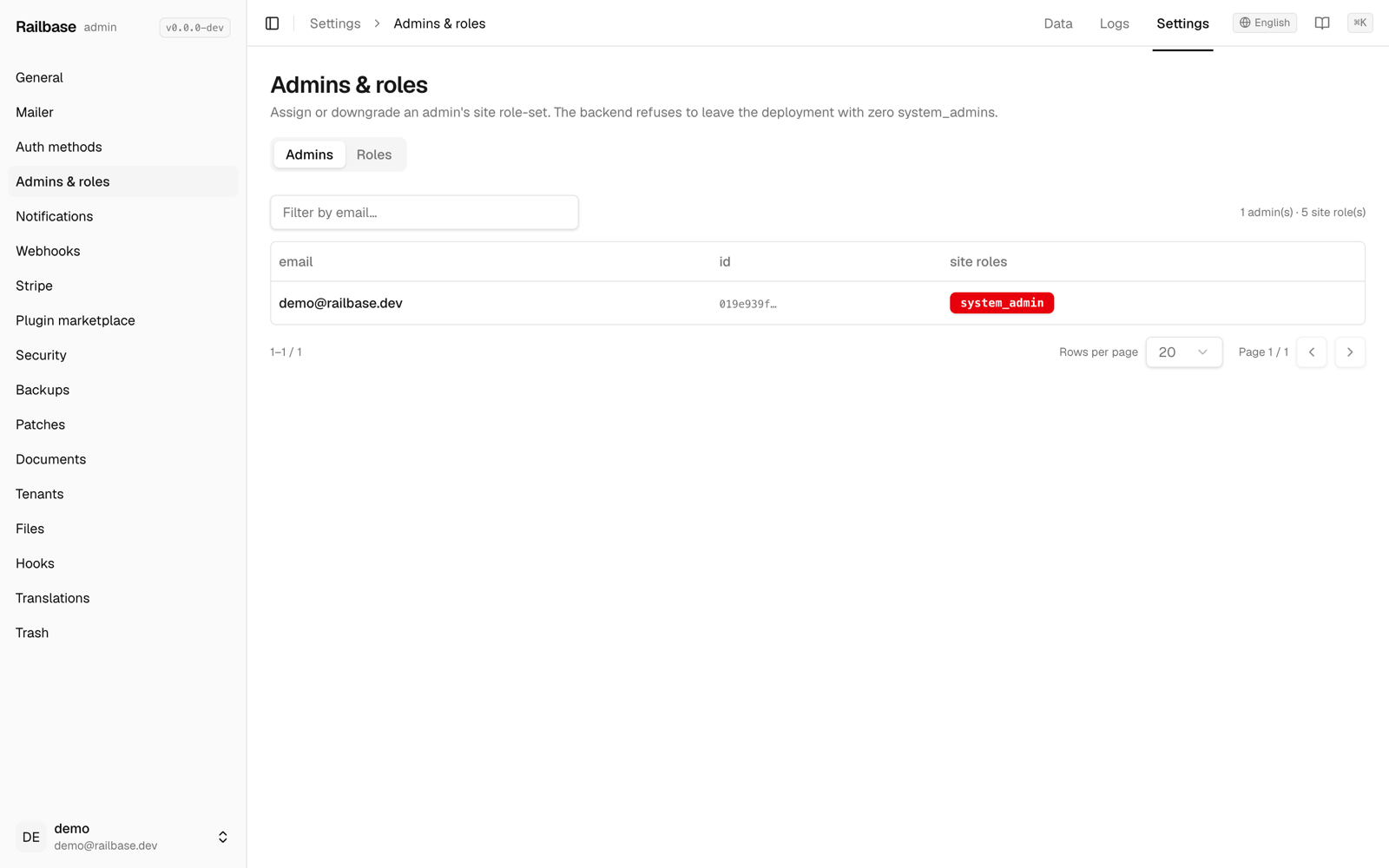
Settings → Admins has two tabs:
- Admins — the operator accounts, each with their attached site roles. Edit an
admin's role set from a sheet. The UI prevents you from removing the last
system_admin. - Roles — click a role to inspect every permission (
action_key) it grants. Roles have two scopes: site (global) and tenant.
Roles and permissions are also scriptable from the CLI (railbase role …) — see
Authentication & identity.
API tokens
Data → _api_tokens manages long-lived bearer tokens for server-to-server
access: create (with owner, scopes, and a TTL), rotate, and revoke.
Important
A token's raw value is displayed once, on create or rotate. Copy it immediately — it can't be recovered afterward. Rotate if it's lost.
Auth methods
Settings → Auth is where you turn sign-in methods on and off: password, magic-link, OTP, TOTP, and WebAuthn, plus OAuth providers (Google, GitHub, Apple, OIDC) and enterprise LDAP / SAML / SCIM. Secrets use keep-if-empty editing; LDAP and SAML changes take effect after a restart.
Your own account
The Account area (sidebar footer → Account settings) is self-service: update your profile, enroll or regenerate two-factor authentication, change your password, and review or revoke your active sessions.