Backups & restore
Snapshot the vault, restore from a snapshot, and snapshot before risky changes.
Updated
Because all your data is one file, backups are simple and fast: a snapshot is a
byte-exact copy of the .vault file. This page covers taking, listing, and
restoring snapshots — from the CLI and from the admin.
Take a snapshot
./railbase backup
This writes a copy to <data-dir>/backups/backup-<UTC>.vault. Choose your own
path with --out:
./railbase backup --out /backups/railbase-2026-06-04.vault
List local snapshots (newest first):
./railbase backup list
./railbase backup list --dir /backups
Important
A vault snapshot does not include pb_data/.secret, the master key that
decrypts it. Back the .secret file up too (separately and securely) — without
it a .vault copy can't be opened.
Restore
Restore replaces the live data with a snapshot:
./railbase backup --restore /backups/railbase-2026-06-04.vault
There is no separate restore command — restore is the --restore flag on
backup. From the marketplace console, Restore rolls the vault back to a
chosen snapshot and re-execs the server so the restored data is live immediately.
Caution
Restoring overwrites current data with the snapshot's contents. Take a fresh snapshot of the current state first if you might need to come back to it.
Snapshot before risky operations
Make a habit of snapshotting before anything irreversible:
- a core self-update (so you can roll back across a bad upgrade),
- a plugin purge (which permanently deletes that plugin's collections — the console takes its own backup first, but a manual one is cheap insurance),
- bulk data imports or migrations.
The console's Backup action takes an on-demand snapshot for exactly these moments. See Installing plugins and Updating.
Scheduled backups
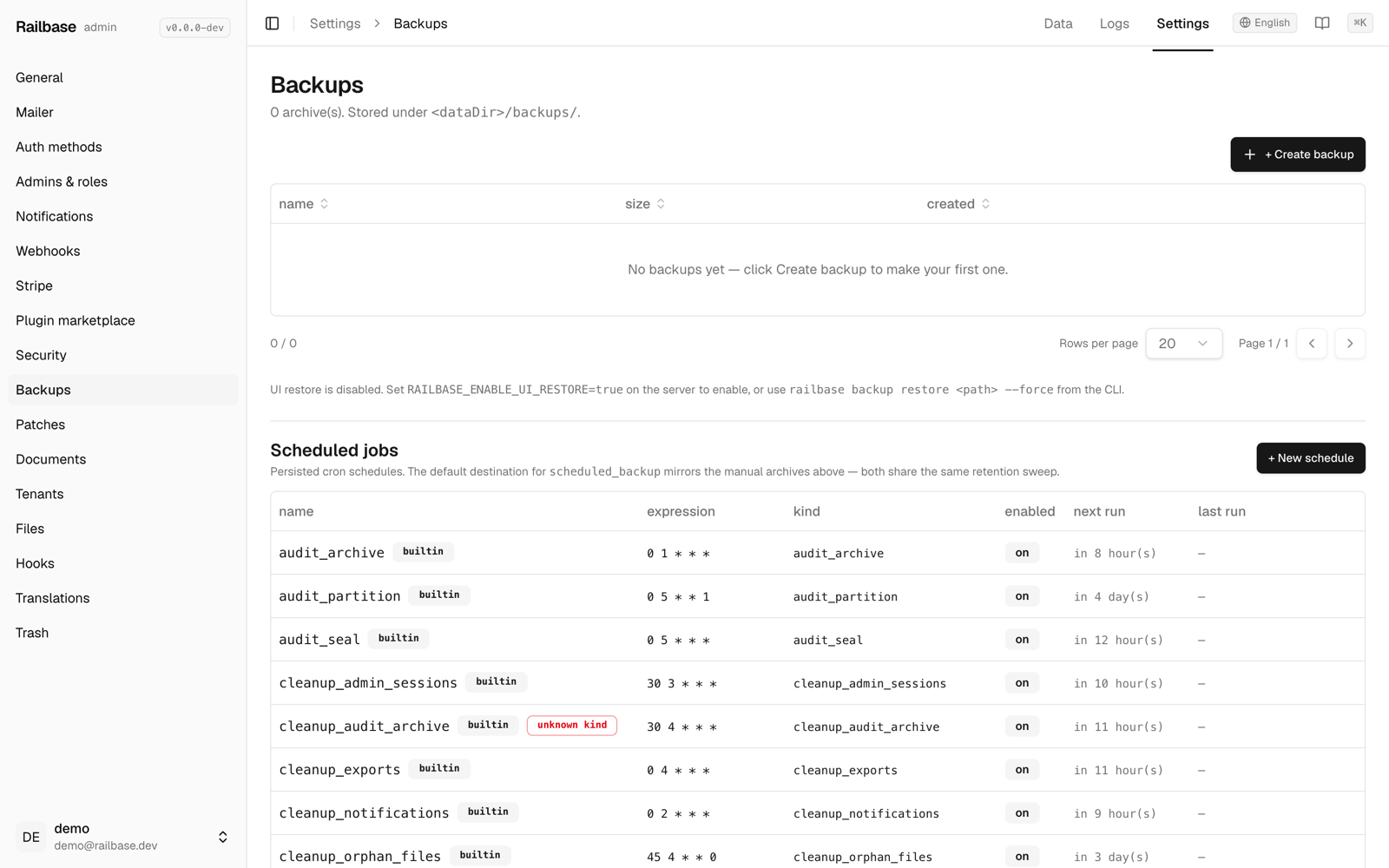
For unattended snapshots, Railbase has a built-in scheduled-backup job configured
through settings (the backups directory defaults to <data-dir>/backups and can
be overridden with RAILBASE_BACKUPS_DIR). Pair it with off-box copies:
# e.g. a nightly rsync of the backups dir to object storage / another host
rsync -a /var/lib/railbase/backups/ backup-host:/railbase/
Tip
Keep at least one copy off the box. A snapshot that lives only on the same disk as the original doesn't protect you from losing that disk.