Users & access
Manage users, roles, admins, API tokens, and auth methods from the UI.
Updated
Everything about who can sign in and what they can do is managed from the admin and stored in Vault — no SQL, no external identity database.
Users
The Users screen lists accounts with quick filters (verified, status, last-login). Per user you can:
- open a detail drawer with tabs for Profile, Roles (assign site and per-tenant roles), Sessions, and Audit;
- revoke sessions or revoke MFA;
- issue a password-reset link (shown once, with copy);
- disable / enable the account;
- invite new users.
Bulk actions cover revoke-sessions, disable/enable, and delete, each with a per-account result.
Try it: Users, admins, tokens, and auth
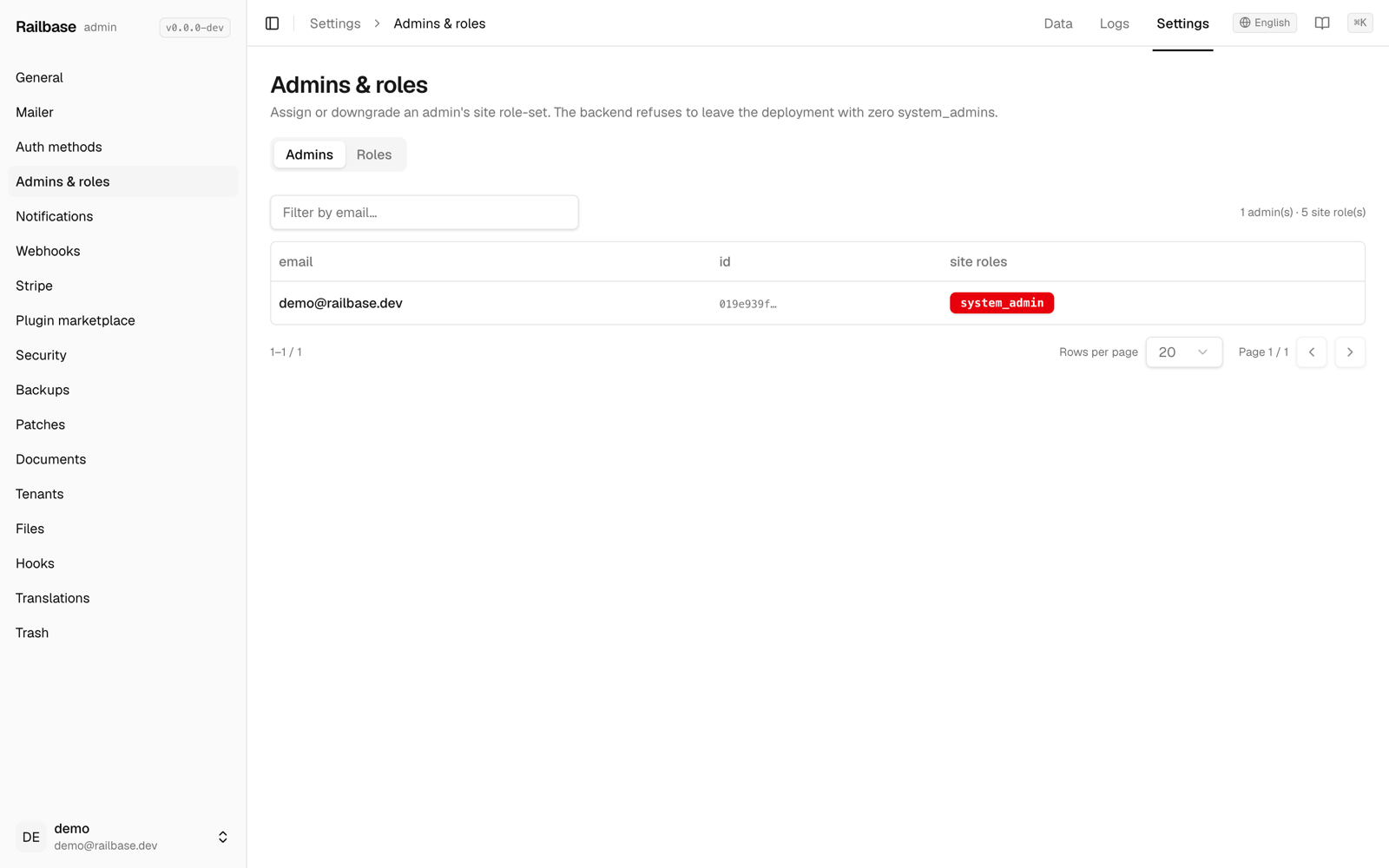
- Admins and roles live in the Users and access hub, each operator with their attached site roles. go to /_/access/admins-roles
- The backend refuses to drop the last system admin, so you can't lock yourself out. hover Admins
- The API tokens tab manages long-lived bearer credentials for server-to-server access. go to /_/access/tokens
- You create one with an owner, scopes, and a TTL — the raw value is shown once, so copy it right away. hover Create token
- Auth methods — password, magic-link, passkeys, and enterprise SSO — are toggled under Settings. go to /_/settings
- Application, storage, and rate-limit settings are all here, each editable in place. hover Storage
- And your own account — profile, two-factor, password, and sessions — lives in the sidebar footer. hover admin@example.com
Admins & roles (RBAC)
Admins & roles live in the Users & access hub on the Data tab
(/access/admins-roles) — they were promoted out of Settings (the old
/settings/admins URL now redirects here):
- Admins — the operator accounts, each with their attached site roles. Edit an
admin's role set from a sheet. The UI prevents you from removing the last
system_admin. - Roles — click a role to inspect every permission (
action_key) it grants. Roles have three scopes: site (global), tenant (per-workspace), and plugin (plugin:<slug>, declared by an installed plugin).
Roles and permissions are also scriptable from the CLI (railbase role …) — see
Authentication & identity.
API tokens
The API tokens tab of the Users & access hub (/access/tokens) manages
long-lived bearer tokens for server-to-server access: create (with owner, scopes,
and a TTL), rotate, and revoke. (The old Data → System _api_tokens table was
retired along with the rest of that group.)
Important
A token's raw value is displayed once, on create or rotate. Copy it immediately — it can't be recovered afterward. Rotate if it's lost.
Auth methods
Settings → Auth is where you turn sign-in methods on and off: password, magic-link, OTP, TOTP, and WebAuthn, plus OAuth providers (Google, GitHub, Apple, OIDC) and enterprise LDAP / SAML / SCIM. Secrets use keep-if-empty editing; SAML can hot-reload from settings changes, while LDAP wiring is resolved at startup after validation.
Your own account
The Account area (sidebar footer → Account settings) is self-service: update your profile, enroll or regenerate two-factor authentication, change your password, and review or revoke your active sessions.